PNG vs JPEG vs WebP: a reproducible browser benchmark
We encoded the same three 800 × 500 synthetic scenes in Chrome as PNG, three JPEG quality levels, and three WebP quality levels. The complete 21-row result is downloadable and the script is repeatable.
What the results show
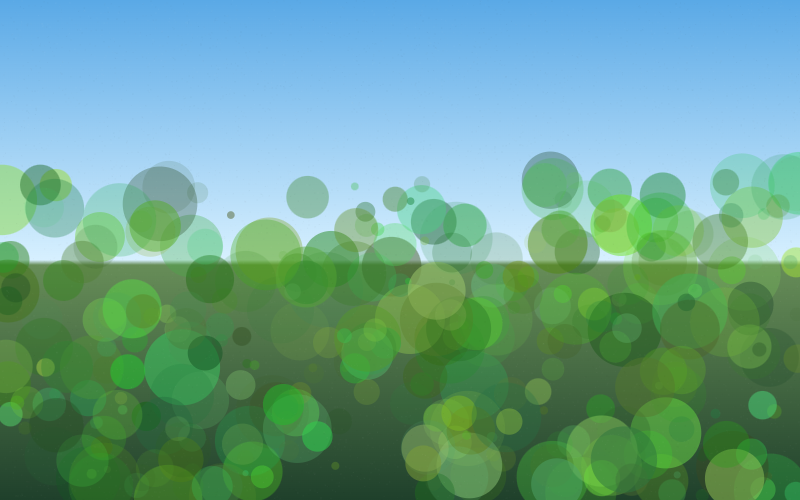
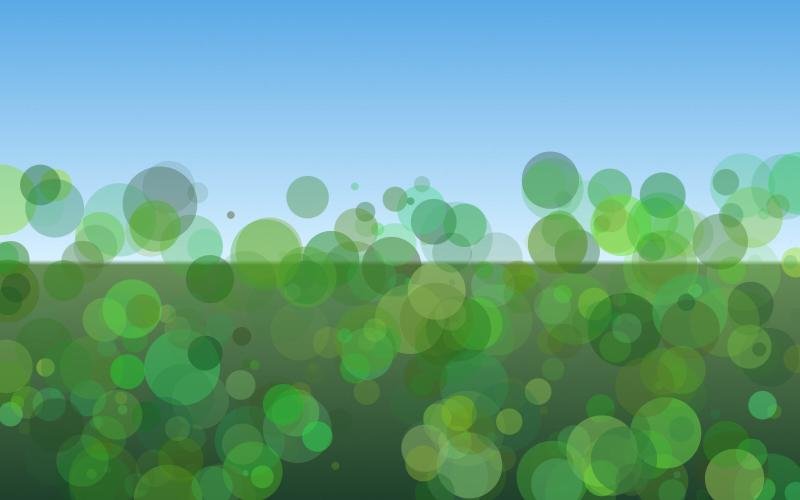
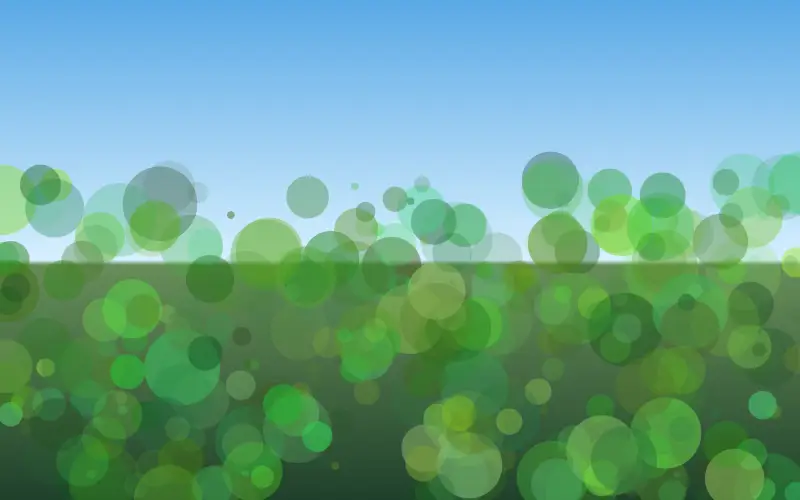
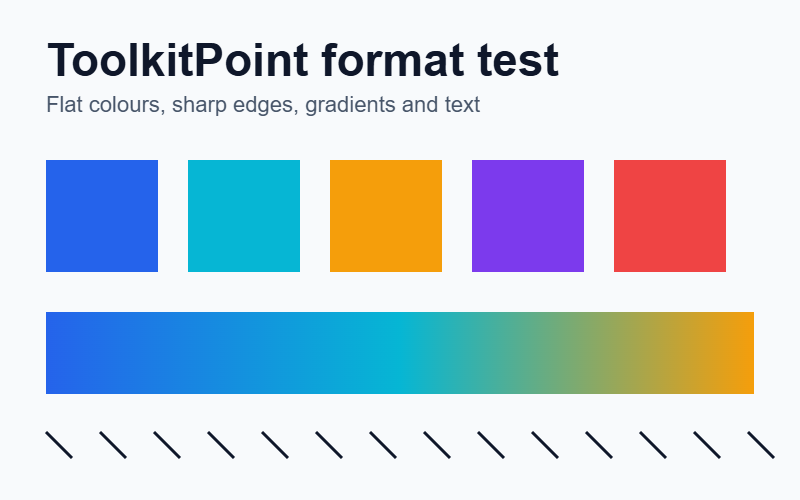
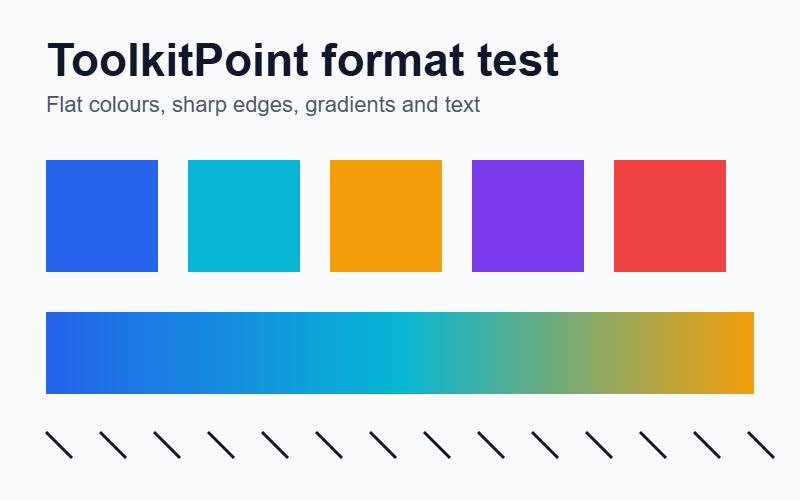
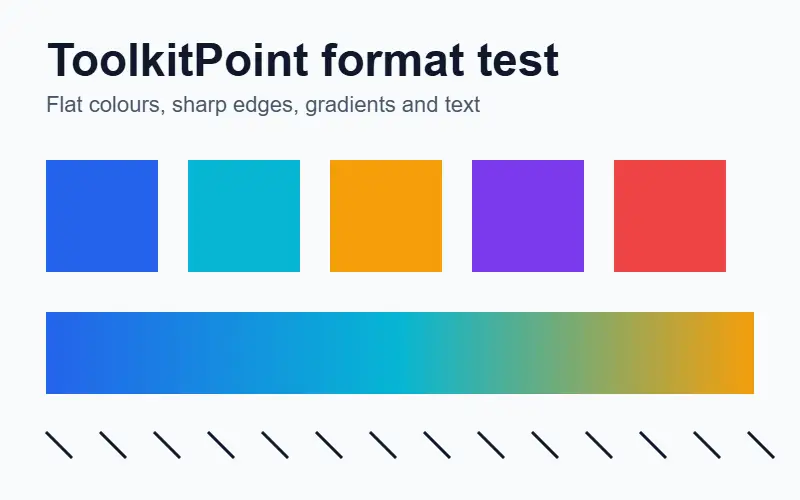
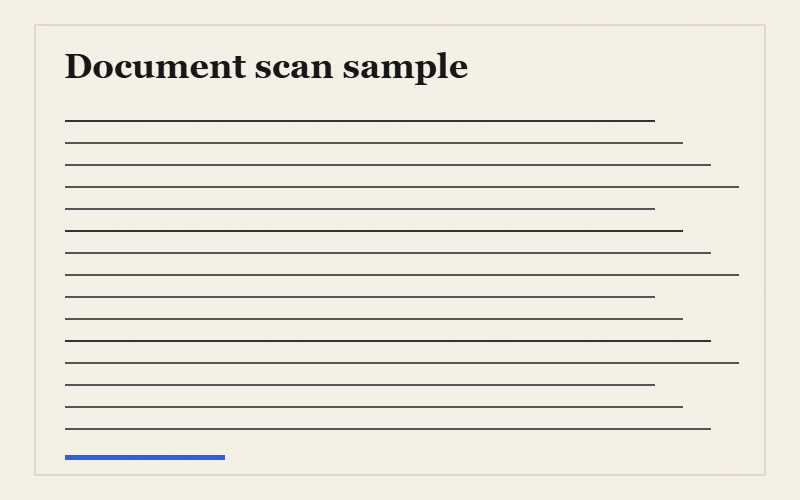
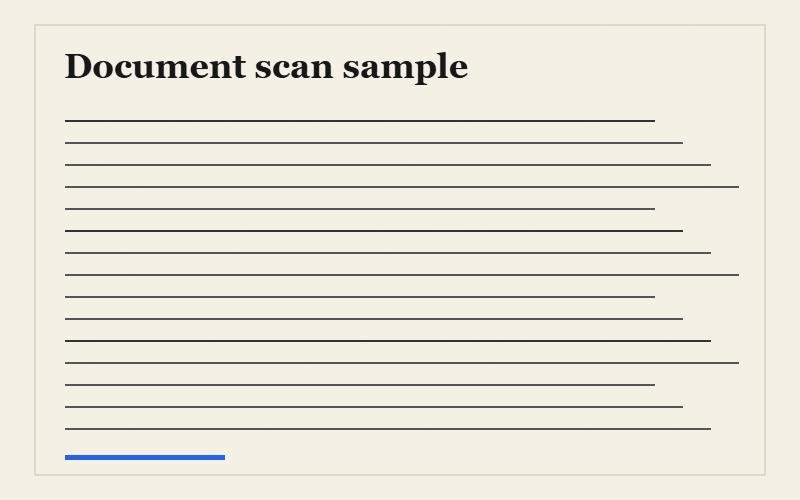
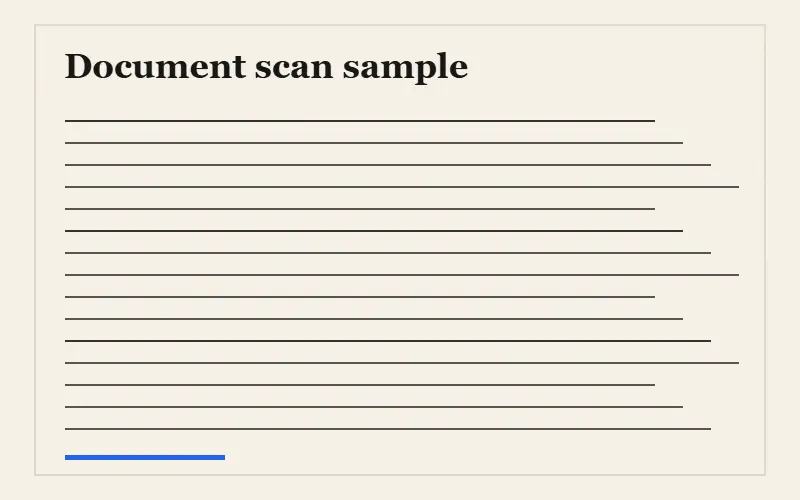
At the representative settings shown below, WebP 70 was 55% smaller than JPEG 75 for the photo-like scene, 61% smaller for the flat graphic, and 76% smaller for the simulated document scan. Those savings are specific to this browser encoder and these inputs; they are evidence, not a universal promise.
PNG preserved the source pixels exactly but produced the largest file in all three tests. That does not make PNG “bad”: exact pixels, transparency, repeated flat colours, and compatibility requirements can matter more than size. JPEG remains widely compatible and is often a sensible photo fallback. WebP produced the smallest files here while retaining similar measured pixel fidelity at the selected settings.
| Scene | Format | Size | % of PNG | PSNR (dB) |
|---|---|---|---|---|
| Photo-like scene | PNG | 366.4 KB | 100% | Lossless |
| Photo-like scene | JPEG 75 | 26.8 KB | 7.3% | 39.01 |
| Photo-like scene | WebP 70 | 11.9 KB | 3.3% | 38.11 |
| Flat graphic | PNG | 93.8 KB | 100% | Lossless |
| Flat graphic | JPEG 75 | 22.1 KB | 23.6% | 37.22 |
| Flat graphic | WebP 70 | 8.7 KB | 9.3% | 38.09 |
| Document scan | PNG | 98.7 KB | 100% | Lossless |
| Document scan | JPEG 75 | 20.9 KB | 21.2% | 40.08 |
| Document scan | WebP 70 | 5.1 KB | 5.2% | 40.75 |
Higher PSNR means less decoded RGB pixel error. “Lossless” means the decoded PNG matched the source canvas exactly. File size alone does not measure perceived sharpness, banding, text-edge artifacts, transparency, metadata, or colour-profile handling.
Side-by-side samples
Each row below begins from the same generated canvas. Browser scaling can hide artifacts, so download the files when comparing at 100%.
Photo-like scene
Flat graphic
Document scan
Reproducible method
- A deterministic script draws a photo-like gradient scene, a flat interface-style graphic, and a simulated scanned document. No stock image or third-party copyrighted photograph is used.
- Chrome’s Canvas encoder saves each scene as PNG, JPEG at qualities 90/75/55, and WebP at qualities 85/70/50.
- Each output is decoded back to pixels. The script records byte size and RGB peak signal-to-noise ratio (PSNR) against the original canvas.
- PNG size is treated as the 100% per-scene baseline. The committed CSV and JSON contain all 21 rows, not only the representative subset shown above.
Download the exact reproduction script, install the project dependencies, and run npm run benchmark:image in a locally installed Chrome or Edge browser. Results can differ across browser and operating-system versions.
How to choose a format
- Use WebP for web delivery when your target browsers support it and a small file is important.
- Use JPEG for photographs when maximum ecosystem compatibility matters and transparency is unnecessary.
- Use PNG for transparency, exact pixel preservation, or graphics where lossy edge artifacts are unacceptable.
- Keep the original. Generate delivery copies instead of repeatedly re-encoding the only source file.
Limitations
Synthetic scenes are reproducible but cannot represent every camera, screenshot, transparency, colour-profile, metadata, or browser-encoder workload. Canvas encoders can also differ across browser versions and operating systems. PSNR is a simple pixel-error measure rather than a complete perceptual-quality score. This benchmark does not claim that one format wins every image.